
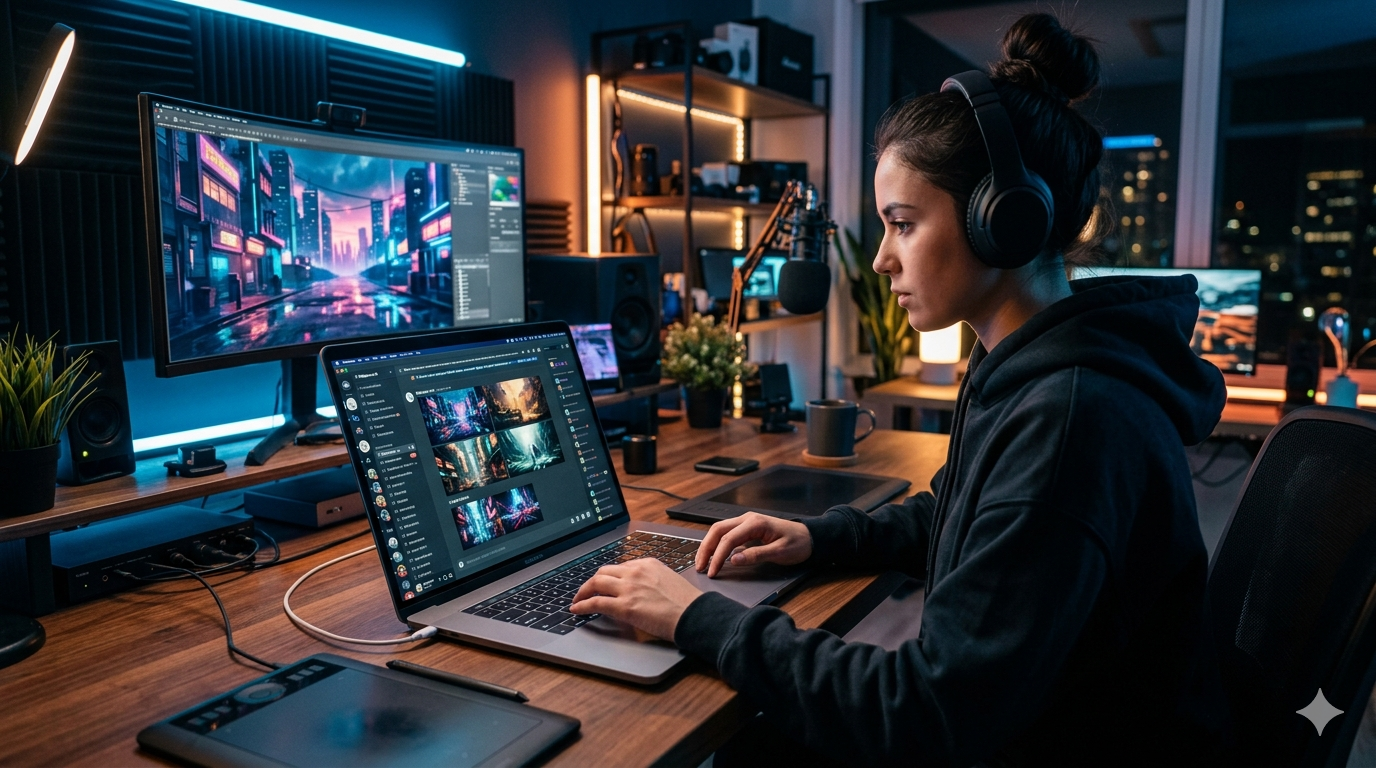
Artificial intelligence has transformed digital creativity. Just a few years ago, creating professional-quality artwork required years of design experience and expensive software. Today, anyone with a good idea and the right AI tool can generate stunning visuals in minutes.
Among all AI image generators available in 2026, Midjourney remains one of the most popular choices. Designers use it to create concept art, marketers use it for advertising visuals, entrepreneurs use it for branding, and content creators rely on it for social media graphics and thumbnails.
However, many beginners still feel overwhelmed when they first open Midjourney. Questions such as “How do I write prompts?”, “Which plan should I choose?”, and “How can I create better images?” are extremely common.
This complete beginner’s guide will walk you through everything you need to know about using Midjourney in 2026. By the end of this tutorial, you’ll understand how to create high-quality AI images, improve your prompts, and avoid the mistakes that hold most beginners back.
What Is Midjourney?
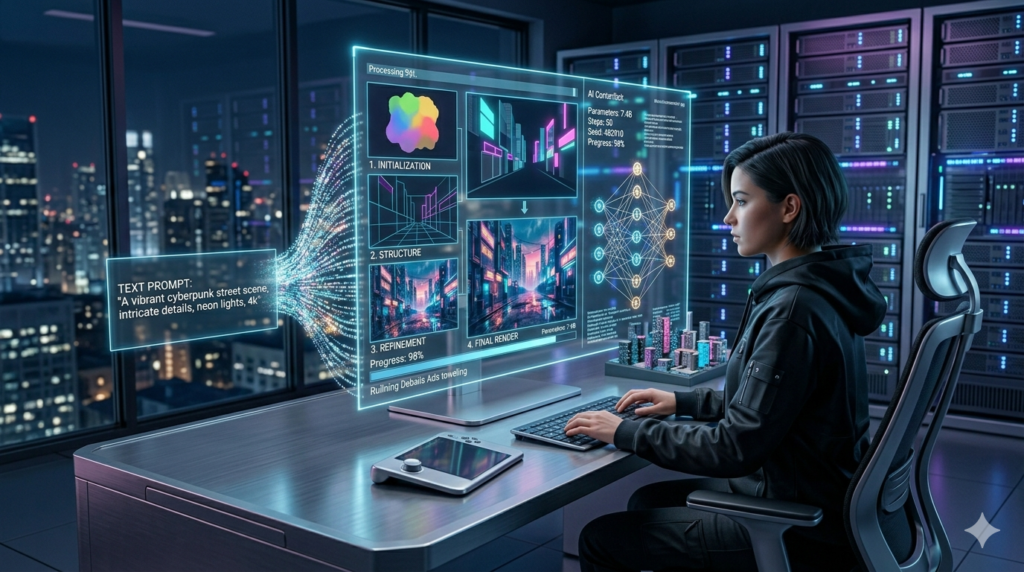
Midjourney is an AI-powered image generation platform that converts text descriptions into artwork, illustrations, photographs, and creative designs.
Instead of manually drawing or editing images, users simply describe what they want to create. The AI then generates multiple image options based on that description.
For example, you could type:
“A futuristic city at sunset, cinematic lighting, ultra realistic, highly detailed.”
Within seconds, Midjourney can generate professional-looking artwork based on that prompt.
This simplicity is one of the biggest reasons why Midjourney has become so popular among creators, marketers, and businesses.
Why Midjourney Is Still Popular in 2026
The AI image generation market has become extremely competitive. New tools appear almost every month. However, Midjourney continues to stand out for several reasons.
Exceptional Image Quality
Many AI tools generate decent images. Midjourney consistently produces artwork that looks polished and professional.
Strong Artistic Style
Midjourney is particularly known for creating visually appealing images with impressive composition and lighting.
Beginner-Friendly Experience
While advanced users can create highly detailed prompts, beginners can generate attractive images with surprisingly simple instructions.
Active Community
Millions of creators share prompts, techniques, and inspiration, making it easier to learn and improve.
How to Create a Midjourney Account

Getting started is straightforward.
Step 1: Visit the Official Midjourney Website
Go to the official Midjourney platform and create an account.
Step 2: Choose a Subscription Plan
Midjourney typically offers multiple pricing tiers depending on usage needs.
When choosing a plan, consider:
- Number of images you expect to generate
- Commercial usage requirements
- Fast generation needs
- Team collaboration requirements
Most beginners can start with a basic plan and upgrade later if necessary.
Step 3: Access the Midjourney Dashboard
After subscribing, you’ll gain access to the image generation interface where prompts can be entered directly.
Understanding the Midjourney Interface
When you first open Midjourney, the interface may seem simple compared to traditional design software.
The main components include:
Prompt Box
This is where you enter image descriptions.
Image Gallery
Generated images appear in your personal workspace.
Settings Panel
This section allows you to adjust image quality, aspect ratio, and generation preferences.
History Section
Previously created images can be reviewed and reused later.