
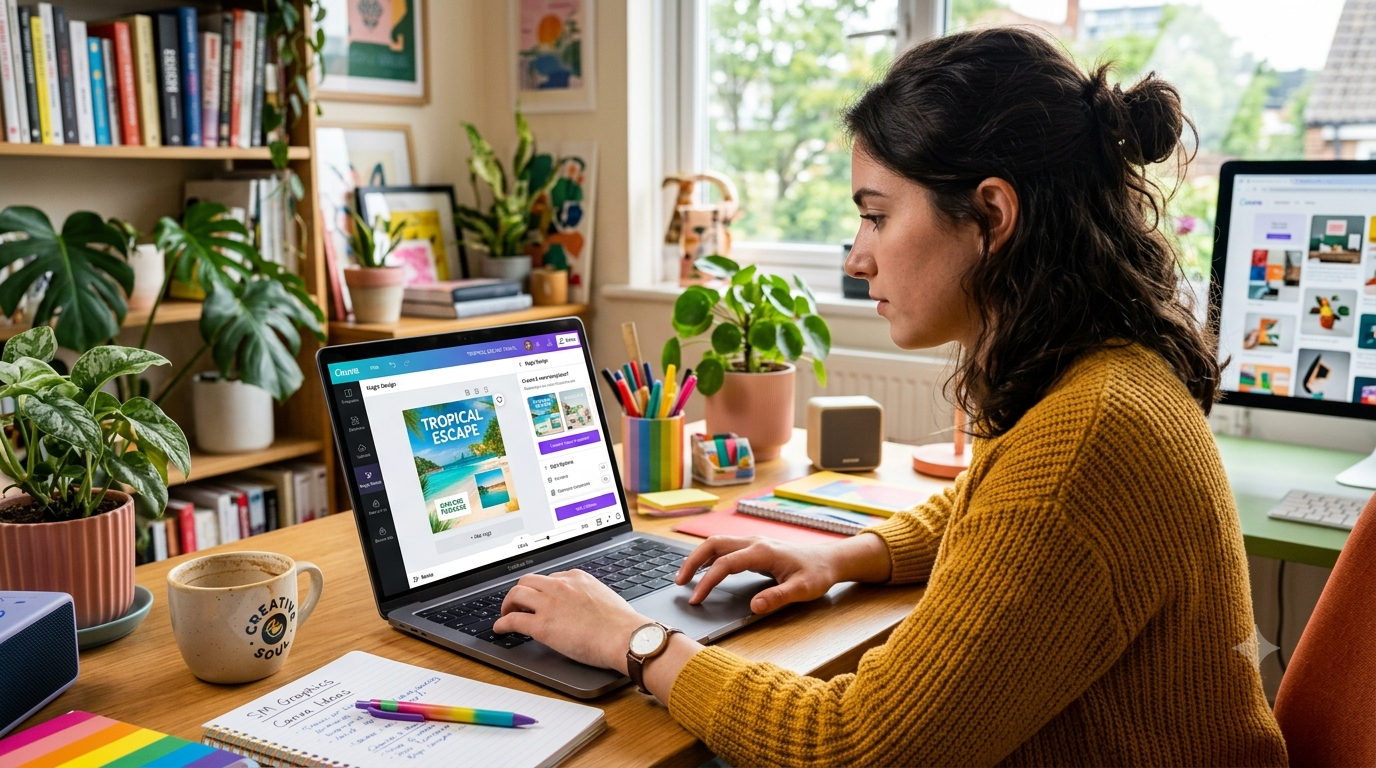
Creating high-quality content consistently can be challenging, especially for marketers, bloggers, business owners, and social media creators. Designing graphics, writing captions, editing images, and building presentations often requires multiple tools and a significant amount of time.
Canva AI makes content creation much easier by combining powerful AI features with Canva’s simple design platform. Whether you’re creating social media posts, blog graphics, presentations, videos, or marketing materials, Canva AI helps you produce professional-quality content in just minutes.
In this guide, you’ll learn how to use Canva AI for content creation and discover its most powerful features in 2026.
What Is Canva AI?
Canva AI is a collection of artificial intelligence tools built directly into Canva. These tools help users create, edit, and improve content faster without requiring advanced design skills.
With Canva AI, you can:
- Generate AI images
- Write content with AI
- Get design suggestions
- Remove image backgrounds
- Edit photos
- Create presentations
- Edit videos
These features reduce manual work while improving creativity and productivity.
Why Use Canva AI?
Canva AI offers several advantages for content creators:
- Save time on design tasks
- Create professional-quality graphics
- Improve productivity
- Generate creative ideas
- Maintain consistent branding
- Design without professional experience
Whether you’re a beginner or an experienced designer, Canva AI makes content creation faster and easier.
Step 1: Create a Canva Account
Visit Canva and sign in to your account. Choose either the free plan or Canva Pro depending on the features you need.
Step 2: Open Magic Studio
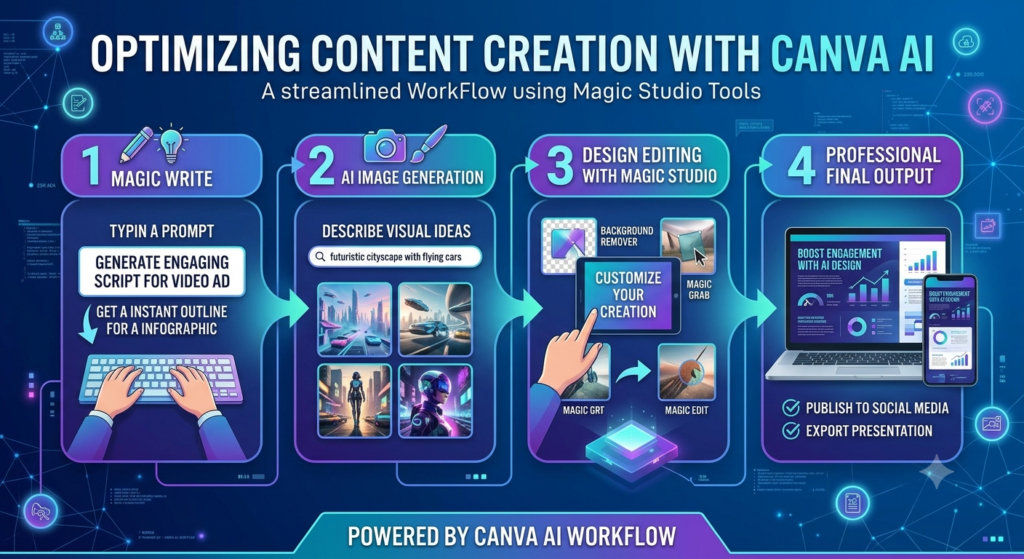
Magic Studio is Canva’s AI-powered workspace that includes several intelligent design tools.
Available features include:
- Magic Write
- Magic Design
- Magic Edit
- Magic Media
- Magic Resize
These tools automate different parts of the creative process.
Step 3: Generate Content with Magic Write
Magic Write helps you create written content quickly.
You can generate:
- Blog outlines
- Social media captions
- Product descriptions
- Email drafts
- Marketing copy
Simply enter a prompt, and Canva AI will generate content within seconds.
Step 4: Create AI Images
Magic Media allows you to create images using text prompts.
Describe the image you want, such as:
- Business illustrations
- Marketing graphics
- Social media visuals
- Presentation images
The AI generates unique visuals based on your description.
Step 5: Edit Images with AI
Canva AI includes several advanced editing tools, including:
- Background Remover
- Magic Edit
- Magic Eraser
- Image Enhancer
These tools make professional photo editing simple and fast.
Step 6: Design Social Media Content
Create content for platforms such as:
- X (Twitter)
- YouTube
Canva AI can automatically suggest layouts, fonts, colors, and graphics for your designs.
Step 7: Create Presentations
Canva AI also makes presentation creation much easier by generating:
- Slide layouts
- Titles
- Graphics
- Icons
- Content suggestions
This significantly reduces the time needed to design presentations.
Best Canva AI Features
Some of Canva AI’s most popular tools include:
- Magic Write
- Magic Design
- Magic Media
- Magic Edit
- Background Remover
- Magic Resize
- AI Presentation Generator
Together, these features simplify the entire content creation process.
Benefits of Canva AI
Faster Design
Create professional graphics in just minutes.
Beginner-Friendly
No graphic design experience is required.
Consistent Branding
Keep your brand colors, fonts, and style consistent across all projects.
Better Productivity
Complete more creative work in less time.
Multiple Content Types
Design graphics, presentations, videos, and marketing materials from one platform.
Common Mistakes to Avoid
Avoid these common mistakes:
- Publishing AI-generated designs without reviewing them
- Ignoring brand consistency
- Overusing AI-generated text
- Using unclear prompts
- Forgetting to customize templates
Always review and personalize AI-generated content before publishing.
Tips for Better Results
To get the best results with Canva AI:
- Write clear prompts
- Use high-quality images
- Customize AI-generated designs
- Keep your branding consistent
- Review content before publishing
These simple practices will help you create more professional content.
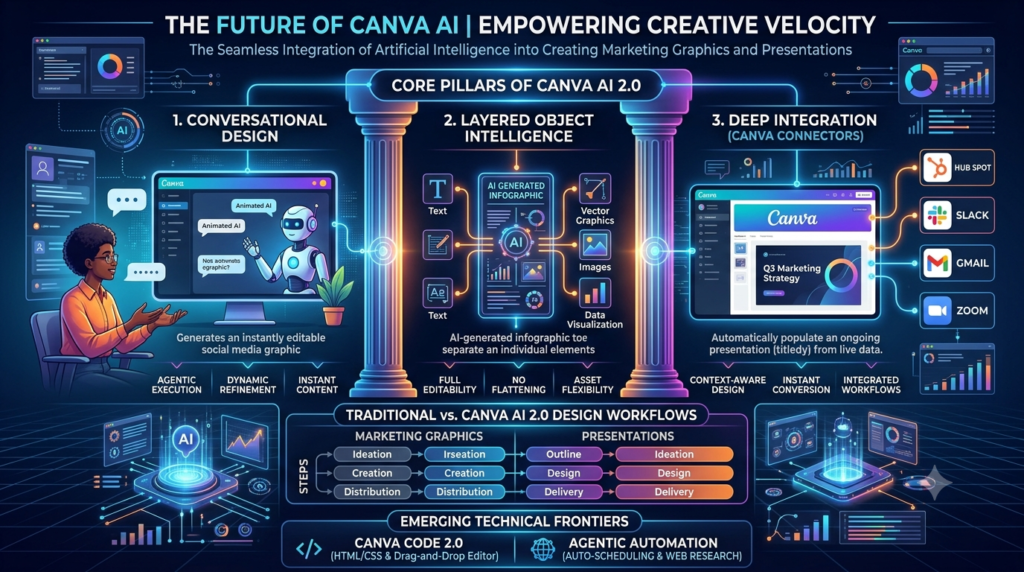
The Future of Canva AI
Canva AI continues to improve with new features such as:
- Smarter design suggestions
- Better AI image generation
- Advanced video editing
- AI-powered branding tools
- Improved collaboration features
These innovations will make content creation even faster and more efficient in the future.
Final Thoughts
Canva AI is one of the best AI-powered content creation platforms available in 2026. Its intelligent tools help users design graphics, write content, edit images, and build presentations with minimal effort.
Whether you’re a blogger, marketer, entrepreneur, student, freelancer, or content creator, Canva AI can improve your workflow, save valuable time, and help you create professional-quality content faster than ever.
Frequently Asked Questions
What is Canva AI?
Canva AI is a collection of AI-powered tools that help users create graphics, write content, edit images, and design presentations more efficiently.
Is Canva AI free?
Yes. Canva offers several AI features for free, while advanced tools are available with Canva Pro.
Can Canva AI generate images?
Yes. Magic Media allows users to generate AI images using simple text prompts.
Who should use Canva AI?
Canva AI is ideal for content creators, marketers, business owners, teachers, students, freelancers, and social media managers looking to create professional content quickly.