
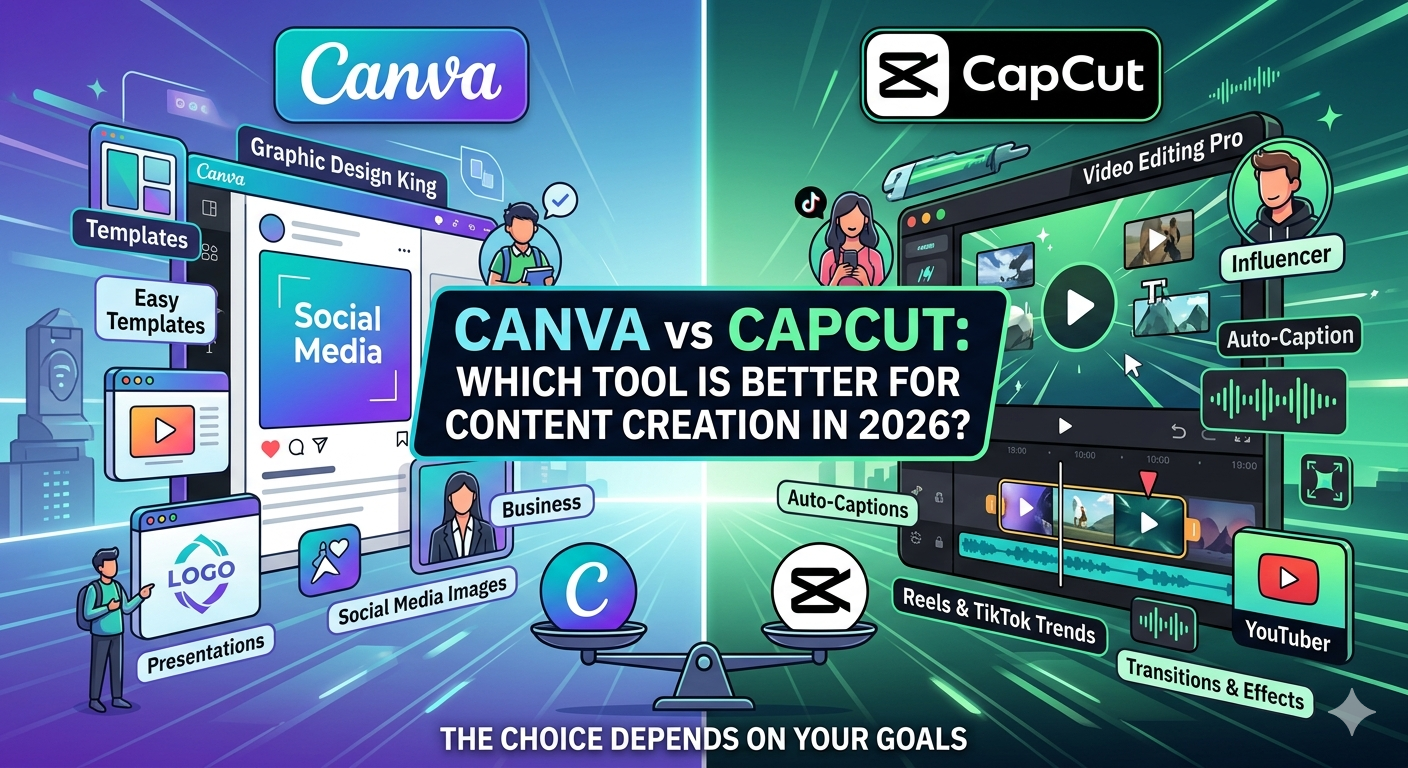
In today’s digital world, content creation has become more important than ever. Whether you are a student, business owner, marketer, YouTuber, or social media influencer, creating high-quality visual content helps you stand out. Two of the most popular tools used by creators today are Canva and CapCut .Canva vs CapCut
Both platforms are powerful, beginner-friendly, and widely used across the world. But many users often ask: Which is better—Canva or CapCut? The answer depends on your goals.
In this article, we will compare Canva vs CapCut, explore their features, benefits, pricing, pros and cons, and help you decide which tool is best for your content creation needs.
What is Canva?
Canva is a graphic design platform launched in 2013. It allows users to create visual content such as:
- Social media posts
- Presentations
- Posters
- Logos
- Infographics
- Flyers
- Business cards
- Videos
Canva is known for its drag-and-drop design interface, making it simple even for beginners. for more information.
Key Features of Canva
- Thousands of Templates
- Ready-made templates for every design need.
- Saves time and effort.
- Drag-and-Drop Editor
- Easy to use without design experience.
- Brand Kit
- Store logos, colors, and fonts for consistent branding.
- Photo and Video Editing
- Edit images and videos directly.
- AI Tools
- Magic Write, AI image generator, and background remover.
- Team Collaboration
- Multiple users can work on one project.
What is CapCut?
CapCut is a video editing platform developed by ByteDance, the parent company of TikTok. It is widely used for short-form video editing.
CapCut is especially popular among:
- TikTok creators
- YouTubers
- Instagram reel creators
- Social media marketers
Key Features of CapCut
- Advanced Video Editing
- Trim, cut, split, and merge videos easily.
- Text and Captions
- Auto-generated subtitles.
- Transitions and Effects
- Professional video effects and filters.
- Audio Editing
- Add music, voiceovers, and sound effects.
- AI Tools
- AI background remover and auto-caption generator.
- Mobile and Desktop Support
- Works on phone and computer.
Canva vs CapCut: Main Difference
The biggest difference is simple:
- Canva is best for graphic design and simple videos.
- CapCut is best for advanced video editing.
If you need social media posts, posters, or presentations, Canva is ideal.
If you create reels, TikTok videos, or YouTube shorts, CapCut is stronger.
User Interface Comparison
Canva Interface
Canva has a clean and simple interface.
Advantages:
- Easy for beginners
- Simple navigation
- Fast learning curve
Best for:
- Students
- Teachers
- Small businesses
CapCut Interface
CapCut has a timeline-based editor.
Advantages:
- Professional editing controls
- Better for detailed video work
Best for:
- Video creators
- Editors
- Influencers
Templates Comparison
Canva Templates
Canva offers millions of templates for:
- Instagram posts
- CVs
- Flyers
- Business presentations
- Invitations
Template quality is excellent.
CapCut Templates
CapCut mainly focuses on:
- Reel templates
- TikTok trends
- YouTube Shorts
Best for fast video creation.
Video Editing Comparison
Canva Video Editing
Canva supports:
- Basic cuts
- Transitions
- Text overlays
- Music
Good for:
- Marketing videos
- Slideshows
- Educational videos
Not ideal for advanced editing.
CapCut Video Editing
CapCut supports:
- Multi-layer editing
- Keyframe animation
- Speed control
- Masking
- Advanced transitions
Excellent for professional videos.
Winner: CapCut
Graphic Design Comparison
Canva
Canva is designed for graphics.
You can create:
- Logos
- Posters
- Presentations
- Social media graphics
Winner: Canva
CapCut
CapCut is limited in graphic design.
Mostly focuses on:
- Video thumbnails
- Text overlays
Not ideal for full design work.
AI Features Comparison
Canva AI Tools
Includes:
- Magic Write
- AI image generation
- Background remover
- Text-to-design
Useful for marketers and designers.
CapCut AI Tools
Includes:
- Auto captions
- AI voiceovers
- Background remover
- Video enhancement
Excellent for video creators.
Tie: Depends on need.
Pricing Comparison
Canva Pricing
- Free plan available
- Canva Pro available monthly/yearly
- Team plans
Free version is very useful.
CapCut Pricing
- Free plan available
- Pro features available
Most users can work well on free version.
Winner: Tie
Mobile Experience
Canva Mobile App
Great for:
- Quick edits
- Social posts
- Small designs
Easy to use.
CapCut Mobile App
One of the best mobile video editors.
Great for:
- Reels
- TikToks
- Shorts
Winner: CapCut
Best for Students
Choose Canva because:
- Easy presentations
- Assignments
- Posters
- Infographics
Best for Businesses
Choose Canva because:
- Branding tools
- Social media templates
- Team collaboration
Best for Content Creators
Choose CapCut because:
- Faster video editing
- Trending effects
- Better short videos
Best for YouTubers
CapCut wins because:
- Advanced editing
- Better transitions
- Audio tools
Best for Social Media Marketing
Use both.
Workflow example:
- Design thumbnails in Canva.
- Edit reels in CapCut.
Best strategy: Use both tools together.
Canva Pros and Cons
Pros
✔ Easy to use
✔ Huge template library
✔ Great for beginners
✔ Excellent for design
Cons
✘ Limited advanced video editing
✘ Some premium features cost money
CapCut Pros and Cons
Pros
✔ Powerful video editor
✔ Free advanced tools
✔ Great mobile app
✔ Best for reels and shorts
Cons
✘ Limited graphic design features
✘ Learning curve for beginners
SEO Benefits of Using Canva and CapCut
Both tools help digital marketers improve online visibility.
With Canva:
- Better branded visuals
- Improved social engagement
- Attractive blog graphics
With CapCut:
- Higher video engagement
- Better retention
- Improved social reach
This helps SEO indirectly through user engagement.
Which Tool Should You Choose?
Choose Canva if you need:
- Graphic design
- Presentations
- Social media images
- Branding
Choose CapCut if you need:
- Video editing
- Reels
- TikTok content
- YouTube Shorts
Choose both if you want complete content creation power.
Final Verdict
Both Canva and CapCut are excellent tools in 2026.
Canva is the king of design.
CapCut is the king of video editing.
If your focus is graphics, choose Canva.
If your focus is video, choose CapCut.
If you want professional content creation, use both together.
That combination gives you the best results.