
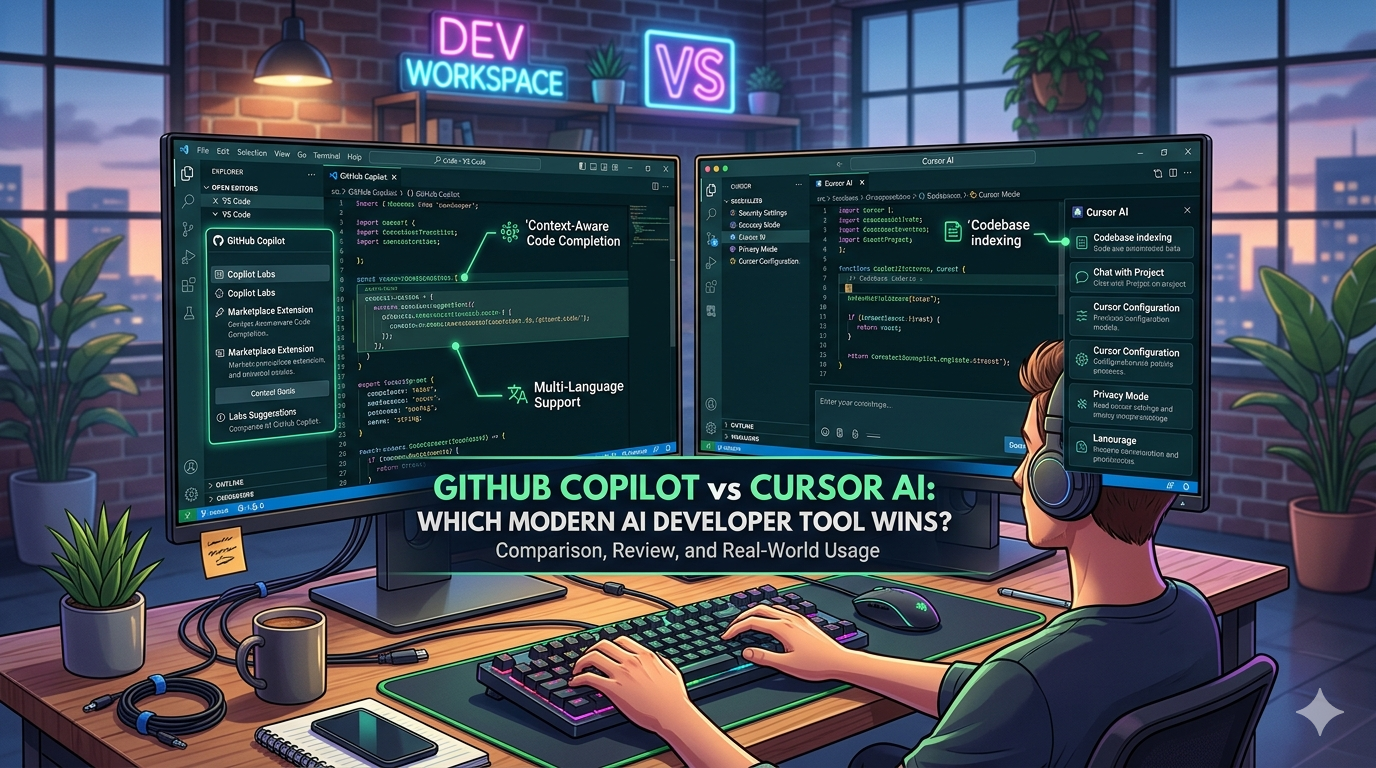
Artificial intelligence has fundamentally changed software development. Tasks that once required hours of manual coding can now be completed in minutes with the help of AI-powered coding assistants. Whether you’re building a startup, creating personal projects, or working as part of a large engineering team, AI coding tools have become an essential part of the modern development workflow.
Two names dominate this space in 2026: GitHub Copilot and Cursor AI.
Both tools promise faster development, fewer repetitive tasks, and improved productivity. However, they approach coding assistance in different ways. While GitHub Copilot focuses on intelligent code completion inside existing development environments, Cursor AI aims to provide a complete AI-first coding experience.
This comparison explores their features, strengths, weaknesses, pricing, and real-world performance to help developers choose the right tool.
Why AI Coding Assistants Are Becoming Essential
Software development has become increasingly complex. Developers must manage frameworks, APIs, cloud infrastructure, security requirements, and evolving programming languages.
As a result, productivity tools have become more important than ever.
AI coding assistants help by:
- Generating code suggestions
- Explaining complex code
- Finding bugs faster
- Writing documentation
- Refactoring existing projects
- Accelerating learning for beginners
Rather than replacing developers, these tools act as intelligent collaborators.

What Is GitHub Copilot?
GitHub Copilot is an AI-powered coding assistant developed by GitHub in collaboration with OpenAI.
It integrates directly into popular code editors and provides real-time code suggestions as developers type.
Copilot can generate:
- Functions
- Classes
- Database queries
- API integrations
- Test cases
- Documentation
Its biggest advantage is seamless integration into existing workflows.
Developers using Visual Studio Code often find Copilot extremely convenient because it works directly inside the editor they already use daily.

What Is Cursor AI?
Cursor AI takes a different approach.
Instead of being an add-on, Cursor is a complete AI-native code editor designed specifically for AI-assisted development.
The platform allows developers to:
- Chat with their codebase
- Generate entire files
- Refactor projects
- Understand unfamiliar code
- Debug applications
- Navigate large repositories quickly
Cursor’s strongest feature is context awareness. It can analyze large portions of a project and provide more relevant suggestions based on the entire codebase.
User Interface Comparison
One of the biggest differences between these tools is the user experience.
GitHub Copilot
GitHub Copilot feels invisible.
Developers continue using their preferred editor while receiving suggestions naturally during coding sessions.
This makes adoption extremely easy.
Cursor AI
Cursor offers a more AI-focused environment.
The editor is built around AI interactions and includes powerful chat-based workflows.
For developers who want AI integrated into every part of development, Cursor feels more advanced.
Code Generation Quality
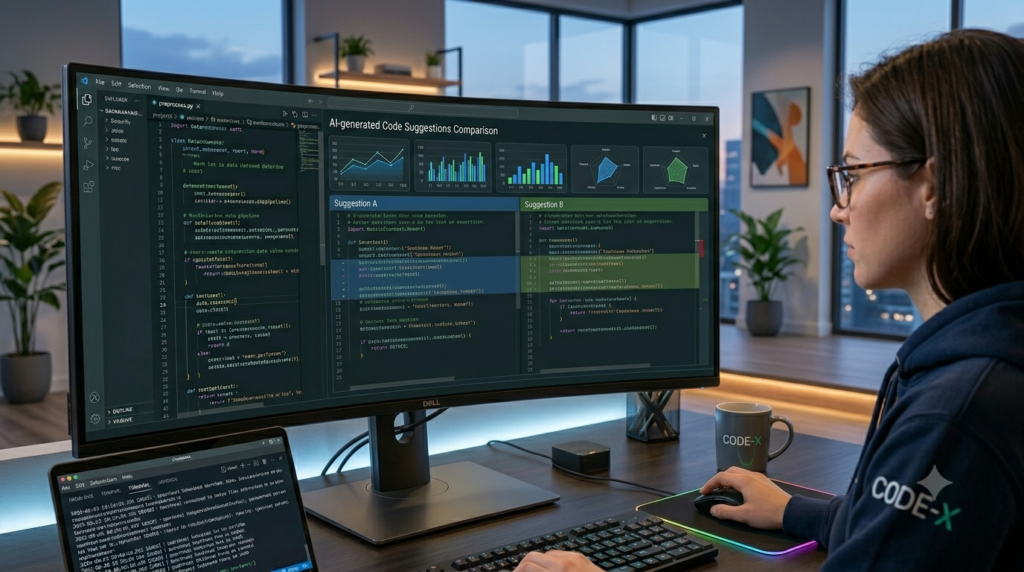
Code quality is one of the most important factors when evaluating AI coding tools.
GitHub Copilot Performance
GitHub Copilot excels at:
- Short functions
- Repetitive coding tasks
- Framework boilerplate
- API requests
- Common programming patterns
Its suggestions are generally fast and accurate.
However, it occasionally struggles with larger architectural decisions.
Cursor AI Performance
Cursor performs exceptionally well when working with larger codebases.
It understands project context more effectively and often generates code that aligns with existing architecture.
This makes it particularly useful for professional development teams.
Context Awareness
Context awareness is where Cursor often gains an advantage.
GitHub Copilot primarily focuses on nearby code.
Cursor can analyze:
- Multiple files
- Project structures
- Documentation
- Existing patterns
As a result, its responses often feel more relevant for complex projects.
For large applications, this difference becomes significant.
Debugging Capabilities
Debugging consumes a substantial portion of development time.
Both tools help, but in different ways.
GitHub Copilot
Copilot can suggest fixes and identify obvious issues.
However, developers usually need to provide context manually.
Cursor AI
Cursor allows developers to discuss errors directly within the editor.
This conversational workflow often makes debugging faster and more intuitive.
Learning Curve
GitHub Copilot
Beginners can start using Copilot immediately.
The learning curve is minimal because it integrates into familiar environments.
Cursor AI
Cursor requires slightly more exploration because of its broader feature set.
However, most developers adapt quickly.
Once mastered, its advanced capabilities can significantly improve productivity.
Pricing Comparison
Pricing remains an important factor for students, freelancers, and teams.
GitHub Copilot generally offers plans suitable for:
- Students
- Individual developers
- Professional teams
Cursor AI also provides multiple pricing options depending on usage requirements and advanced AI features.
Before choosing either tool, developers should evaluate:
- Project size
- Team requirements
- Budget constraints
- Daily coding volume
Which Tool Is Better for Beginners?
For beginners learning programming, GitHub Copilot often feels more approachable.
Its integration with existing editors means users can focus on learning rather than adapting to a new environment.
However, beginners interested in AI-assisted development workflows may appreciate Cursor’s interactive features.
Which Tool Is Better for Professional Developers?
Professional developers frequently work with large, complex codebases.
In these situations, Cursor’s deep project understanding can provide a significant advantage.
Meanwhile, GitHub Copilot remains highly effective for day-to-day coding and rapid development.
Many experienced developers actually use both tools depending on the project.
Advantages of GitHub Copilot
- Easy integration
- Fast suggestions
- Large user community
- Excellent IDE support
- Beginner friendly
Advantages of Cursor AI
- Strong project awareness
- Advanced AI chat
- Better large-codebase support
- Powerful refactoring tools
- AI-first development experience

Final Verdict
The GitHub Copilot vs Cursor AI debate ultimately depends on your workflow.
If you want an AI assistant that integrates seamlessly into your current development environment, GitHub Copilot remains one of the best choices available.
However, if you’re looking for a more advanced AI-first coding experience with deeper project awareness, Cursor AI offers capabilities that many developers now consider essential.
For beginners, Copilot is often the easiest starting point.
For experienced developers working on larger projects, Cursor AI may provide greater long-term value.
As AI continues to reshape software development, both tools will remain among the most important productivity solutions available to developers in 2026.
FAQ
Is Cursor AI better than GitHub Copilot?
For large projects and context-aware coding, Cursor often performs better. For simplicity and integration, Copilot remains highly competitive.
Can beginners use Cursor AI?
Yes. Although it offers advanced features, beginners can learn it quickly.
Which tool generates better code?
Both tools generate high-quality code. The best choice depends on project complexity and workflow preferences.
Is GitHub Copilot worth paying for?
For most developers, the productivity gains often justify the subscription cost.
Can professional developers use both?
Yes. Many developers use Copilot for autocomplete and Cursor for project-level assistance.