
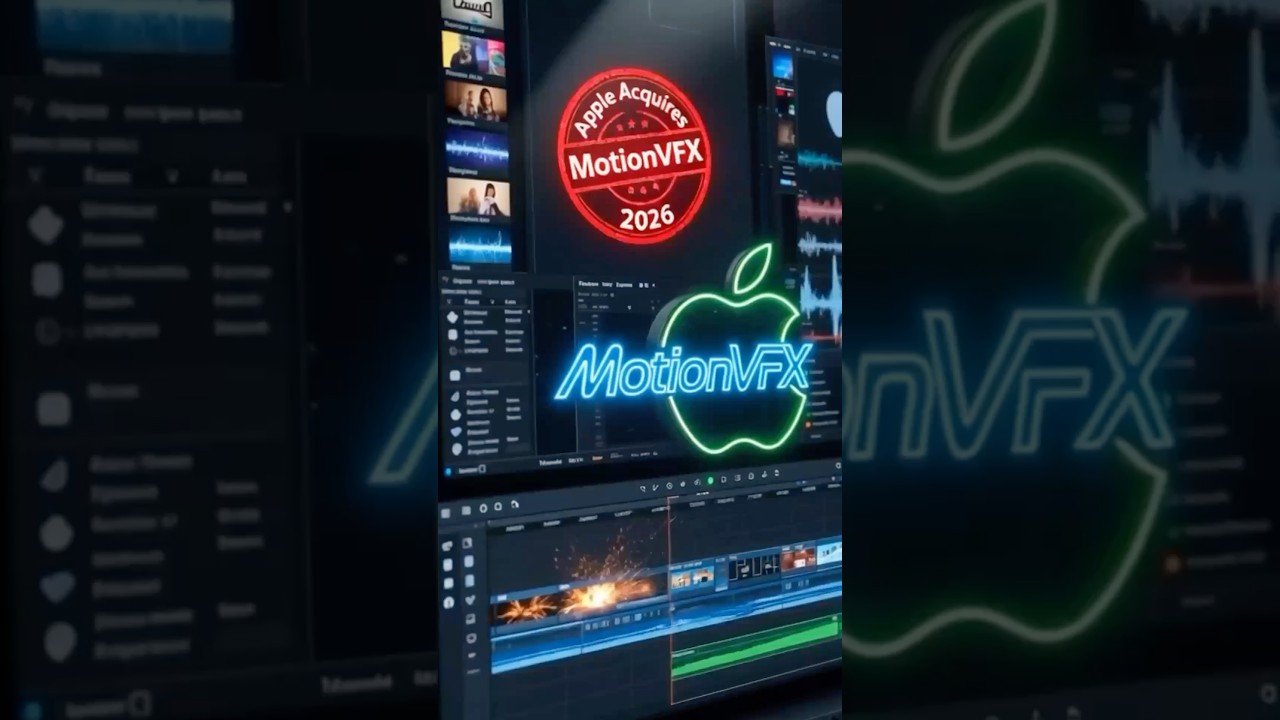
In a significant move that signals Apple strengthens deepening commitment to professional video editing, the tech giant has acquired MotionVFX, a leading developer of plugins, templates, and visual effects for Final Cut Pro. Announced on March 16, 2026, this acquisition integrates one of the most popular third-party ecosystems directly into Apple’s creative software lineup.
The deal comes at a time when Apple is aggressively expanding its Creator Studio subscription bundle, which bundles Final Cut Pro, Logic Pro, and other pro tools for creators. By bringing MotionVFX’s 70-employee team in-house, Apple aims to eliminate reliance on external plugins, deliver seamless native integrations, and attract more subscribers to its services ecosystem. For video editors worldwide—from YouTube creators to Hollywood professionals—this could mean faster workflows, AI-powered features baked into Final Cut Pro, and a more unified Apple experience.
While this news primarily impacts macOS and iOS users, it also highlights the growing divide in creative tools across platforms. Android enthusiasts visiting apkmirrror.shop can explore powerful alternatives like CapCut APK or VN Video Editor APK to achieve similar results on mobile devices.Visit our internal link for more.
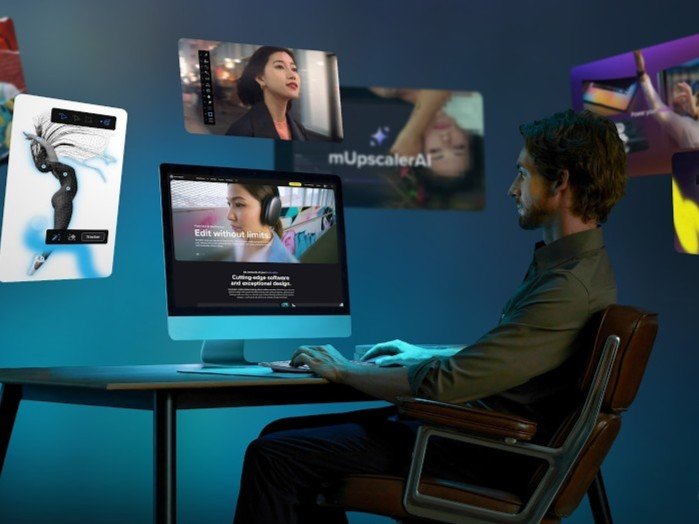
Who Is MotionVFX? A 15-Year Legacy in Motion Design
MotionVFX, founded in 2009 by Szymon Masiak in Poland, has grown into the go-to resource for high-quality motion graphics and effects in the video editing world. Headquartered in Bielsko-Biała (with operations often linked to Warsaw), the company built its reputation on drag-and-drop plugins that work seamlessly with Apple’s Final Cut Pro, as well as DaVinci Resolve and Adobe Premiere Pro.
Their flagship offerings include the mExtension tool—a free browser that lets users search, download, and apply thousands of elements directly inside Final Cut Pro. Key products span two main studios:
- DesignStudio: Focused on motion graphics with mCollections, offering endless libraries of titles, transitions, and effects themed for YouTube, documentaries, cinematic projects, and more.
- CineStudio: The powerhouse for advanced VFX, featuring AI-driven tools like mRotoAI (intelligent rotoscoping and mask animation), mCaptionsAI (automatic subtitles in 90+ languages), mUpscalerAI (AI video upscaling to 8K), mFilmLook (cinematic grading and film emulation), mFlare 2 (realistic lens flares), and mTracker 3D (3D camera tracking with surface and area variants).
These tools have become staples for editors facing tight deadlines. MotionVFX emphasized quality, ease of use, and beautiful design—values that perfectly align with Apple’s philosophy, as noted in their official announcement.
The company offered subscription tiers (DesignStudio, CineStudio, and Ultimate) with free trials, plus one-click access to over 500 elements. For more than 15 years, MotionVFX empowered creators without forcing them to switch between multiple apps, making it a natural fit for Apple’s ecosystem. Visit their site for a deeper look: MotionVFX Official Website.
The Acquisition: Details and Official Statements
MotionVFX broke the news directly on its homepage with a simple yet powerful message: “MotionVFX is becoming a part of Apple.” The full statement reads:
“We are extremely excited to share that MotionVFX is joining the Apple team to continue to empower creators and editors to do their best work. For over 15 years, we’ve been on a mission to create world-class, visually inspiring content and effects for video editors. From the very beginning, we’ve been all about quality, ease of use, and great design. These are also the values that we admire most in Apple’s products, and we’re thrilled to be able to embrace them together.
We’d like to take this opportunity to thank all our amazing customers and supporters… This is the beginning of something truly wonderful!”
Apple has remained characteristically silent on the deal—no press release, no financial details disclosed. This mirrors their approach with previous smaller acquisitions, such as the 2024 purchase of Pixelmator to enhance photo editing tools. All 70 MotionVFX employees have joined Apple, and the existing plugin catalog remains available for now through their marketplace.
Industry observers, including reports from MacRumors and 9to5Mac, speculate that the acquisition was timed to supercharge the recently launched Apple Creator Studio bundle, priced at $12.99/month or $129/year.
Why Apple Made This Move: Strengthening the Creator Ecosystem
Apple’s strategy is clear: keep creators locked into the Apple ecosystem and reduce fragmentation. Final Cut Pro has long competed with Adobe Premiere Pro and Blackmagic’s DaVinci Resolve, but third-party plugins like those from MotionVFX filled critical gaps in motion graphics and AI automation.
By acquiring MotionVFX, Apple can:
- Integrate tools natively: Expect mRotoAI, mCaptionsAI, and mUpscalerAI to become built-in features, eliminating subscription fees and compatibility issues.
- Boost subscriptions: Creator Studio gains premium VFX capabilities, encouraging more users to subscribe instead of piecing together tools from multiple vendors.
- Leverage AI leadership: Apple’s silicon (M-series chips) pairs perfectly with MotionVFX’s on-device AI tools—no cloud dependency means faster, private processing on MacBooks and iPads.
- Compete aggressively: This follows Apple’s pattern of acquiring creative software companies to challenge Adobe’s dominance. CNBC reports the move is explicitly aimed at boosting subscribers to creative tools.
For context, read the full CNBC analysis: Apple Acquires MotionVFX to Boost Subscribers.
This acquisition also aligns with hardware launches like the new MacBook Neo, positioning Apple as the ultimate one-stop creative studio.
Impact on Final Cut Pro Users and the Industry
Professional editors will benefit most. Current MotionVFX users can continue using their purchased packs in the short term, but future updates will likely fold everything into Final Cut Pro’s native Effects browser. Imagine one-click cinematic looks, AI subtitles, and 3D tracking without third-party extensions—workflows that previously required switching apps will become seamless.
YouTube creators and social media editors gain too: automated captions and upscaling tools will speed up content production on iPad Pro with Final Cut for iPad. Filmmakers using DaVinci Resolve might see indirect benefits if Apple shares technology cross-platform, though the focus remains Apple-centric.
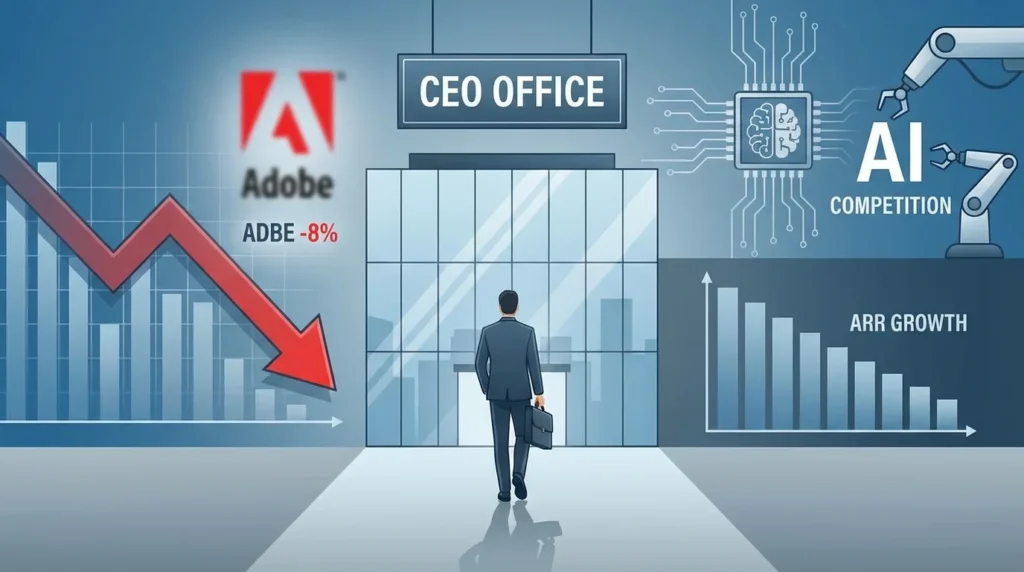
On the competitive front, Adobe and Blackmagic must respond—perhaps with deeper AI integrations or pricing adjustments. Smaller plugin developers may feel pressure as Apple consolidates the ecosystem.
For a detailed breakdown of industry implications, check CineD’s excellent article: Apple Acquires MotionVFX – What This Could Mean.
Relevance for Android Users on apkmirrror.shop
Although this story centers on Apple’s macOS ecosystem, video editing remains platform-agnostic. Many creators use both Apple devices for pro work and Android phones for quick edits on the go. At apkmirrror.shop, we’ve curated the best free and pro Android video editors to bridge the gap.
Try KineMaster APK for advanced keyframing similar to MotionVFX’s tracking tools, or PowerDirector APK for cinematic effects. For AI features, CapCut APK offers auto-captions and upscaling that mirror MotionVFX’s CineStudio pack.
Stay updated with our Apple News Blog for more cross-platform insights and Tech Tutorials covering everything from iOS to Android workflows.
Looking Ahead: The Future of Apple’s Creative Tools
This acquisition marks the start of a new era for Final Cut Pro. With MotionVFX’s expertise now inside Apple, we can anticipate major updates at WWDC 2026 or beyond—perhaps a unified “Creator Studio Pro” with all MotionVFX tools included.
Apple’s quiet approach to acquisitions has historically delivered powerful results (remember Final Cut Pro’s own evolution). Creators can expect higher performance, better stability, and innovative features that leverage Apple Silicon’s full potential.
For the broader community, this reinforces Apple’s position as a leader in pro creative software. Whether you edit on a Mac Studio or an Android tablet via mirrored APKs from apkmirrror.shop, the bar for video quality continues to rise.
What do you think this means for your workflow? Share your thoughts in the comments below, and don’t forget to bookmark apkmirrror.shop for the latest APK mirrors, tech news, and creative tool guides.
External Links for Further Reading:
Internal Links on apkmirrror.shop:
This acquisition isn’t just about plugins—it’s about empowering every creator to do their best work, wherever they edit. Stay tuned for updates!
FAQs About Apple’s Acquisition of MotionVFX
1. When did Apple acquire MotionVFX?
Apple acquired MotionVFX on March 16, 2026. The news was first shared directly by MotionVFX on its website, with coverage quickly following from MacRumors, 9to5Mac, TechCrunch, and CNBC.
2. What will happen to existing MotionVFX plugins and purchases?
For now, all previously purchased plugins, templates, and packs continue to work normally. The entire 70-person team has joined Apple, and the MotionVFX marketplace remains accessible. Over time, many tools are expected to be integrated natively into Final Cut Pro and the Apple Creator Studio subscription, potentially making them available to all subscribers without extra cost.
3. Will MotionVFX plugins still support DaVinci Resolve and Adobe Premiere Pro?
This remains unclear. MotionVFX previously developed tools for multiple platforms, but the focus after acquisition is likely to shift toward deepening Apple’s ecosystem. Users of Resolve or Premiere should monitor updates, as some cross-platform support may continue in the short term while long-term development prioritizes Final Cut Pro.
4. How does this affect Apple Creator Studio?
The acquisition is widely seen as a boost for Apple’s new Creator Studio bundle ($12.99/month or $129/year). Expect AI-powered features like mRotoAI, mCaptionsAI, mUpscalerAI, and cinematic tools from CineStudio to become native or enhanced parts of the bundle, giving subscribers more value and reducing reliance on third-party plugins.
5. Do I need to buy anything new right now?
No immediate action is required. Current users can keep using their licenses. If you’re not yet in the Apple ecosystem, this is a great time to explore Final Cut Pro or Creator Studio. Android users can achieve similar results with powerful mobile editors available on apkmirrror.shop.
6. Will prices change or will tools become free?
Apple has not announced pricing details. Many industry analysts believe popular MotionVFX tools will eventually be included in Creator Studio, effectively making advanced VFX more accessible via subscription rather than one-time purchases.
7. What about support and future updates?
Support is expected to transition smoothly under Apple. The MotionVFX help center remains active for now. Future updates will likely come through Final Cut Pro’s built-in Effects browser and automatic software updates.
8. Is this good or bad for video editors?
Most creators view it positively: faster workflows, better optimization for Apple Silicon, seamless integration, and potentially lower long-term costs for heavy users. The main downside for some is reduced choice if third-party innovation slows outside the Apple ecosystem.
9. Can Android users benefit from this news?
Indirectly yes — the bar for professional video editing keeps rising. At apkmirrror.shop we offer excellent Android alternatives with AI features, advanced effects, and cinematic tools that let you create high-quality content on the go.
10. Where can I learn more?
Read the official MotionVFX announcement, check Apple’s Final Cut Pro page, or follow our Apple News section for regular updates.
Top MotionVFX Products That Could Soon Enhance Final Cut Pro
MotionVFX built its reputation on high-quality, easy-to-use tools. Here are some of the most popular products that editors love and that are likely to influence future Apple updates:
- mRotoAI — Intelligent rotoscoping and mask animation. Saves hours on complex masking tasks with AI precision.
- mCaptionsAI — Automatic subtitles and captions in over 90 languages. Perfect for YouTube, TikTok, and social media creators.
- mUpscalerAI — AI-powered video upscaling up to 8K. Improves resolution and clarity while preserving details.
- mFilmLook — Professional cinematic color grading and film emulation presets with multiple expansions.
- mFlare 2 — Realistic lens flares and light effects for dramatic, Hollywood-style visuals.
- mTracker 3D (Surface & Area) — Advanced 3D camera tracking tools for precise motion graphics and VFX.
- mExtension — Free all-in-one browser inside Final Cut Pro to search, preview, and apply thousands of elements instantly.
- mPuppet — Fun and powerful character animation tool for motion design.
- DesignStudio Pack — Thousands of titles, transitions, lower thirds, and motion elements organized by theme (YouTube, Cinematic, Documentary, etc.).
- CineStudio Pack — The ultimate VFX suite combining AI tools, tracking, flares, film looks, and more for professional filmmakers.
The Ultimate Plan previously combined both DesignStudio and CineStudio for maximum flexibility.
Many of these tools are praised in YouTube roundups as “must-have” plugins for speeding up professional workflows. Once fully integrated, expect similar capabilities to appear natively in Final Cut Pro — possibly with even better performance thanks to Apple Silicon optimization.
Internal Links for Android Alternatives on apkmirrror.shop:
- Download CapCut APK – AI Captions & Effects
- Best Android Video Editors 2026
- KineMaster Pro APK – Advanced Keyframing
- PowerDirector APK – Cinematic Tools
You can also turn the FAQs into an accordion-style section on your website for better user experience.
Let me know if you want a shorter version, more images suggestions, or any tweaks to the tone!
External Links for Further Reading:
Stay creative and keep editing — whether on Mac or Android via apkmirrror.shop!
More Top MotionVFX Products That Are Transforming Video Editing (And Likely Heading to Apple Creator Studio)
MotionVFX’s strength lies in its blend of AI-powered automation, beautiful motion design, and professional VFX tools. Here’s a deeper look at standout products that professional editors and YouTubers frequently call “must-haves.” Many of these are expected to be integrated natively into Final Cut Pro following the acquisition:
- mRotoAI (with Cinematic Pack & Expansions)
The flagship AI tool for intelligent rotoscoping and mask animation. It automatically tracks and morphs masks as objects or people move in the scene — perfect for isolating subjects, adding effects, or creating cinematic reveals. The Cinematic Pack adds 30 expressive, Hollywood-style animations. Editors love it for saving hours on manual keyframing. - mCaptionsAI
One-click AI auto-captions in over 90 languages with high accuracy. Ideal for social media, YouTube, TikTok, and multilingual content. It handles timing, styling, and even animations — a huge time-saver for creators. - mUpscalerAI
Standalone AI video upscaler that boosts resolution from SD/HD up to 8K while preserving sharpness and detail. Runs locally on your Mac (no cloud, no credits), making it privacy-friendly and fast on Apple Silicon. - mFilmLook (with all Expansions)
Professional cinematic color grading and film emulation. Includes dozens of presets that replicate classic film stocks, plus tools for light leaks, grain, halation, and vignette. Often paired with mLUT for advanced workflows. - mFlare 2
Realistic, customizable lens flares and light effects. Add dramatic JJ Abrams-style glows, anamorphic streaks, or subtle highlights — over 200 presets with full control inside Final Cut Pro. - mTracker 3D (Surface & Area versions + Expansions)
Advanced 3D camera tracking that locks motion graphics, text, or effects to moving surfaces or areas in your footage. Essential for compositing and AR-style elements. - mPuppet
Powerful character and object animation tool. Turn static images or shapes into lively puppets with easy rigging — great for explainer videos, memes, or creative motion design. - mExtension (Free)
The all-in-one browser and manager that lets you search, preview, download, and apply thousands of MotionVFX elements directly inside Final Cut Pro without leaving the app. Many call it a game-changer for workflow speed. - mLUT / mLut Loading Tool (Free)
Organizes and applies LUTs (Look-Up Tables) efficiently. Drag-and-drop color grading presets with easy management — a favorite free tool for consistent looks across projects. - mBehavior 2 & mAdjustment Layer
Advanced animation behaviors and non-destructive adjustment layers. Apply effects across multiple clips without baking them in. - Themed Collections from DesignStudio
Thousands of drag-and-drop titles, transitions, lower thirds, backgrounds, and social media graphics organized by theme (YouTube, Cinematic, Documentary, Minimalist, Retro, Sport, etc.). Includes popular packs like mTitle Cinematic 2, mTitle Kinetic 2, and mYouTuber 3. - mCamRig (Free) & mEssentials
Camera movement simulators and essential utility tools for quick professional touches.
Subscription Plans Overview (pre-acquisition):
- DesignStudio — Focuses on motion graphics, titles, transitions, and mCaptionsAI (thousands of presets).
- CineStudio — Heavy on advanced VFX, AI tools (mRotoAI, mUpscalerAI, mFilmLook, mFlare 2, tracking).
- Ultimate — Combines both for maximum power.
After the Apple acquisition, expect many of these to fold into Apple Creator Studio, offering even better optimization for M-series chips, seamless updates, and potentially no extra cost for subscribers.
These tools are praised across YouTube tutorials and editor communities for their quality, ease of use, and beautiful results. As Apple integrates them, Final Cut Pro could become an even stronger all-in-one creative powerhouse.
Android Alternatives on apkmirrror.shop (For Cross-Platform Creators)
If you edit on Android devices or want similar AI-powered features without a Mac, check these top APKs we’ve mirrored and tested:
- CapCut APK — Auto-captions, AI effects, upscaling, and cinematic templates (very close to mCaptionsAI + mFilmLook).
- KineMaster APK — Advanced keyframing, chroma key, and motion tracking.
- PowerDirector APK — Professional color grading, lens flares, and 4K/8K support.
- VN Video Editor APK — Clean interface with smooth transitions and effects.
Internal Links:
This section pairs perfectly with the previous FAQs, giving your article strong topical depth and encouraging longer dwell time on apkmirrror.shop.
External Links for Further Reading: