
We’ve all been there: you pick up your phone to check a single notification, and suddenly, 45 minutes have vanished into a void of polarizing news, repetitive dance trends, and targeted ads. This is doomscrolling—the act of mindlessly consuming negative or addictive content despite the anxiety it causes.
In 2026, the “attention economy” is more aggressive than ever. If you’re ready to reclaim your focus and mental clarity, you need more than just willpower. You need a better toolkit. Here are the top apps to help you break the cycle and start “smart-scrolling” instead.
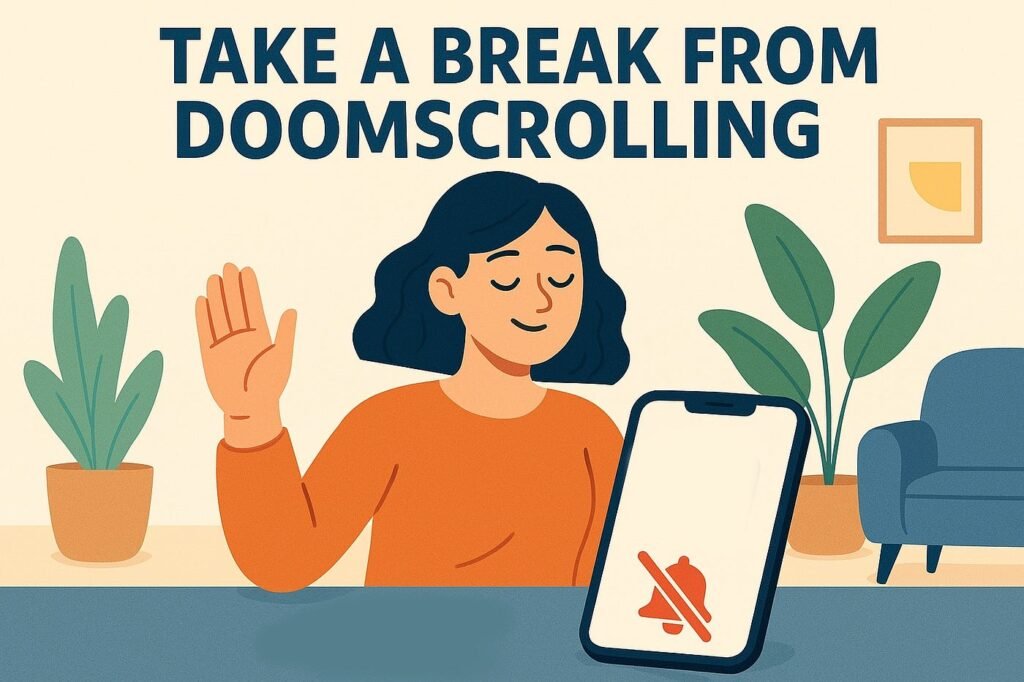
1. The “Hard” Blockers: For When You Need a Digital Fence
Sometimes, a gentle nudge isn’t enough. If your muscle memory opens Instagram before you’ve even fully woken up, these apps provide the friction necessary to stop the habit cold.
- Opal: Often cited as the gold standard for focus, Opal allows you to set “Deep Focus” sessions that physically block distracting apps and notifications. It provides a “Screen Time Score” to gamify your progress and shows you exactly how much time you’ve saved.
- Freedom: The ultimate cross-platform solution. Freedom blocks websites and apps across your Android, iOS, Mac, and Windows devices simultaneously. If you block TikTok on your phone, you won’t be tempted to open it on your laptop five minutes later.
2. The “Mindful” Interrupters: Breaking the Reflex
These apps don’t necessarily lock you out; instead, they force you to acknowledge why you are opening an app.
- One Sec: This app is a game-changer. When you tap a social media icon, One Sec forces you to take a deep breath for a few seconds before the app opens. This tiny moment of friction is often enough to make you realize you didn’t actually want to scroll—you were just bored.
- ScreenZen: Similar to One Sec, ScreenZen adds customizable delays and “pauses” to your most-used apps. It’s perfect for gradual behavior change rather than cold-turkey blocking.
3. The “Productive” Replacements: Smart-Scrolling
The most effective way to stop a bad habit is to replace it with a better one. Instead of scrolling through a feed of outrage, try these “smart-scrolling” alternatives:
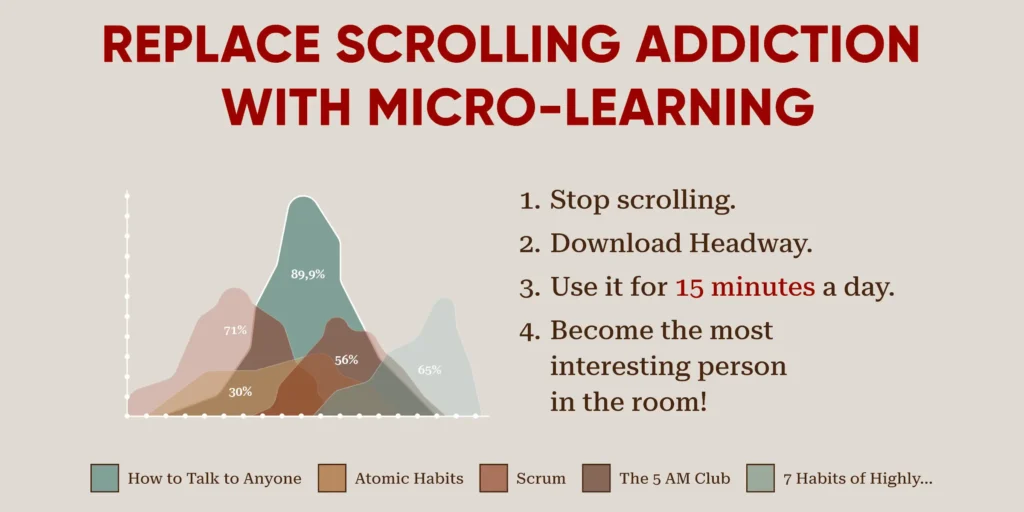
- Headway / Blinkist: These apps offer 15-minute summaries of world-class nonfiction books. You still get the satisfaction of “swiping” and “consuming” content, but you’re gaining actual knowledge instead of digital clutter.
- ScrollEd: A rising star in 2026, ScrollEd allows you to upload your own PDFs or documents and turns them into a social-media-style scrollable feed. It’s perfect for students or professionals who need to “scroll” through study materials.
- Duolingo: Instead of 10 minutes of reels, 10 minutes of Spanish. The gamified streaks provide the same dopamine hit as a “like” notification but leave you with a new skill.
Comparison: Which Strategy Works for You?
| Category | Best App | How it Works |
| Deep Focus | Opal | Hard-blocks apps during scheduled hours. |
| Habit Breaking | One Sec | Forces a breathing exercise before opening social media. |
| Self-Growth | Headway | Replaces feeds with bite-sized book summaries. |
| Gamification | Forest | Grows a virtual tree while you stay off your phone. |
Pro-Tips for a Permanent Digital Detox
- The “Bedroom Ban”: Charge your phone in another room overnight. Use a dedicated alarm clock instead of your smartphone.The “Bedroom Ban” is a productivity and wellness strategy that involves keeping electronic devices, such as smartphones, tablets, and laptops, out of the bedroom to promote better sleep and reduce distractions. By removing these devices from the sleeping environment, individuals can create a calm, technology-free space that encourages relaxation and a natural sleep routine. The Bedroom Ban also helps prevent late-night scrolling or work-related stress, which can interfere with rest and mental clarity. Over time, adopting this habit can improve sleep quality, increase focus during the day, and support healthier boundaries between work, leisure, and rest.
- Greyscale Mode: Turn your phone’s display to greyscale. Social media apps are designed with bright, “candy” colors to trigger dopamine; stripping the color makes them significantly less appealing.Greyscale mode is a smartphone and tablet feature that turns the screen display into shades of gray, removing all color to reduce visual stimulation and curb digital distractions. By making apps, social media, and videos less visually appealing, greyscale mode encourages users to focus on essential tasks rather than mindlessly scrolling. Many people use it as part of a digital detox strategy, helping to break phone addiction, improve productivity, and promote more intentional screen time. Beyond reducing distraction, greyscale mode can also lessen eye strain, making it a practical tool for both mental focus and physical comfort.
- Curate Your Feed: If you can’t delete the app, unfollow every account that makes you feel anxious, angry, or “less than.”Curating your feed is a mindful approach to managing the content you see on social media and digital platforms to improve focus and well-being. By intentionally following accounts, pages, and channels that inspire, educate, or entertain positively—and unfollowing or muting those that cause stress, distraction, or negativity—you can transform your online experience into a tool for growth rather than a source of overwhelm. Curating your feed helps reduce information overload, minimize mindless scrolling, and create a digital environment that aligns with your goals and values. Over time, this practice fosters healthier online habits, encourages intentional consumption, and makes your screen time more meaningful.
Editor’s Note: If you’re looking for the latest versions of these productivity tools, check out our curatedAPK libraryto find the most stable releases for your device.
By choosing the right tools, you can transform your phone from a source of stress into a tool for growth. It’s time to stop scrolling and start living.
To round out your article for apkmirror.shop, adding a section for Frequently Asked Questions (FAQs) and a “Top Products” breakdown is a great way to boost SEO and provide extra value to your readers.
Top Products to Fight Digital Fatigue
While apps are powerful, sometimes physical tools or specialized hardware can provide the “circuit breaker” you need to stay off your phone.
- The Light Phone II: A premium, “minimalist” phone with a black-and-white e-ink screen. It does the basics—calls, texts, and maps—but has zero social media, news, or ads. It’s the ultimate “weekend phone.”The Light Phone II is a minimalist mobile device designed for people who want to reduce distractions and simplify their digital lives. Unlike traditional smartphones, it focuses only on essential functions such as calling, texting, alarms, and a few basic tools, intentionally excluding social media, internet browsing, and email to promote a more mindful lifestyle. It features a small black-and-white E Ink display and runs on a custom operating system called LightOS, emphasizing simplicity and ease of use. By encouraging users to spend less time on their phones, the Light Phone II supports digital detox habits, helping individuals regain focus, reduce screen time, and reconnect with the real world.
- Kitchen Safe (kSafe): This is a literal plastic container with a timed lock. Many users place their phones inside for 2 hours during dinner or deep-work sessions. Once it’s locked, there is no override until the timer hits zero.The Kitchen Safe (kSafe) is an innovative time-locking container designed to help people build better habits by limiting access to temptations. With a simple dial system, users can lock away items like snacks, phones, or other distractions for a set period ranging from one minute up to ten days, and the container will remain sealed until the timer expires. Made from durable, BPA-free materials and powered by a small digital timer, the kSafe acts as a “precommitment device,” encouraging self-discipline by removing the option of impulsive decisions. Whether used for reducing screen time, controlling eating habits, or improving focus, the Kitchen Safe offers a practical and effective way to stay accountable and achieve personal goals.
- Matte Screen Protectors: By reducing the “pop” and vibrancy of your screen, these protectors make the visual experience of scrolling less stimulating and more like reading a paper book.Matte screen protectors are a popular accessory for smartphones, tablets, and laptops that reduce glare and minimize fingerprints, providing a smoother viewing experience in bright or outdoor environments. Unlike glossy protectors, matte finishes diffuse light, making screens easier to read under sunlight and reducing eye strain during extended use. They also offer a subtle textured feel that can improve touch sensitivity and reduce smudges from daily handling. In addition to enhancing visibility and usability, matte screen protectors help protect devices from scratches and minor impacts, combining practicality with long-term device care for users who value both clarity and durability.
- Matte screen protectors are a popular accessory for smartphones, tablets, and laptops that reduce glare and minimize fingerprints, providing a smoother viewing experience in bright or outdoor environments. Unlike glossy protectors, matte finishes diffuse light, making screens easier to read under sunlight and reducing eye strain during extended use. They also offer a subtle textured feel that can improve touch sensitivity and reduce smudges from daily handling. In addition to enhancing visibility and usability, matte screen protectors help protect devices from scratches and minor impacts, combining practicality with long-term device care for users who value both clarity and durability.: A physical Hexagon Timer on your desk is often more effective than an app because it doesn’t require you to touch your phone to start the clock.
Frequently Asked Questions (FAQs)
What exactly is “Doomscrolling”?
Doomscrolling is the habit of continuously scrolling through bad news or addictive social feeds, even though it results in feelings of anxiety, dread, or exhaustion. It often happens late at night, leading to poor sleep hygiene.
Can I actually delete social media, or is “limiting” enough?
For most people, a total “digital detox” is difficult due to work or family obligations. The most sustainable method is habit stacking—using apps like One Sec to create friction, rather than deleting everything and feeling isolated.
Is “Screen Time” on iPhone/Android effective?
Built-in tools are a great start, but they are very easy to bypass with a simple “Ignore Limit” tap. Third-party apps like Opal or Freedom are usually more effective because they make it much harder to cheat.
Does “Dark Mode” help with doomscrolling?
Actually, the opposite might be true. While Dark Mode is easier on the eyes in low light, it can make it more comfortable to scroll for longer periods. If you want to stop scrolling, try Greyscale Mode instead; it makes the content look boring and unappealing.
Where can I find the safest versions of these productivity apps?
Always ensure you are downloading from a reputable source. You can find the latest, most optimized versions of top-rated focus tools in our Productivity APK section.
Key Takeaway for 2026
The goal isn’t to live in a cave without technology; it’s to make sure you are the one using the tool, not the other way around. By combining “Hard Blockers” with “Mindful Interrupters,” you can break the dopamine loop for good.
To help your readers move beyond just software, adding physical products (or “analog hacks”) provides a well-rounded approach to digital wellness. These products are designed to break the sensory loop that keeps us tethered to our screens.
Top Physical Products to Break the Scroll
Sometimes the best way to fix a digital problem is with a physical solution. These products are trending in 2026 as essential tools for “Digital Minimalists.”
1. The “Brick” (Phone Attachment)
The Brick is a small hardware device that acts as a physical key for your phone. You tap your phone to the Brick to “lock” it into a pre-set mode where only essential apps (like Maps or Messages) work. To unlock your distracting apps, you physically have to go back to wherever you left the Brick (like your home office). It removes the ability to “cheat” while you’re out and about.
2. E-Ink Tablets (reMarkable 2 or Onyx Boox)
If you find yourself scrolling news or long-form articles on your phone, an E-Ink tablet is a lifesaver. These devices mimic the appearance of real paper. Because they have slow refresh rates, they are terrible for TikTok or Instagram, but incredible for reading.
- Why it works: It satisfies the “swipe” urge without the blue light or dopamine-heavy animations.
3. The Bagby Phone Sleeping Bag
A “sleeping bag” for your phone might sound silly, but it’s a powerful psychological cue. Putting your phone away in a dedicated, shielded fabric case at 9:00 PM signals to your brain that the digital day is over. Many of these bags are designed to block signal (Faraday style), ensuring no late-night pings disturb your rest.
4. Minimalist “Dumbphones”
For those ready to take a massive leap, the Punkt MP02 or the Light Phone III are the top choices of 2026. These devices strip away the browser and the App Store entirely.
- The Benefit: You keep the utility of a phone (calls, texts, hotspot) without the “slot machine” mechanics of modern smartphone interfaces.
Comparison: Digital vs. Physical Tools
| Product Type | Best For | Effort Level |
| Blocking Apps (Opal) | Daily focus during work hours. | Low (Set and forget) |
| Hardware Keys (Brick) | Preventing “impulse” scrolling while out. | Medium (Requires hardware) |
| Timed Safes (kSafe) | Total disconnection (e.g., family dinner). | High (Zero bypass) |
| E-Ink Tablets | Converting “junk” reading into “deep” reading. | Low (Replacement habit) |
Quick Tips for Your “Analog” Desk
- Get a “dumb” Alarm Clock: If your phone is your alarm, you’ve lost the battle before you’ve even left bed. Check out our guide on essential bedroom tech to find a non-connected clock.Getting a “dumb” alarm clock is a simple but effective way to reclaim control over your mornings and reduce digital distractions. Unlike smartphones, these basic alarm clocks focus solely on waking you up without offering notifications, social media, or endless apps that can tempt you to start your day distracted. Many “dumb” alarm clocks feature easy-to-read displays, reliable alarms, and long battery life, making them a stress-free alternative for a peaceful morning routine. By using a traditional alarm clock, you can set boundaries with technology, improve sleep quality, and start each day with intention rather than immediately diving into your phone.
- Keep a “Distraction Pad”: Keep a physical notepad next to you. Every time you feel the urge to “just check one thing” on Google, write it down on the pad instead. Usually, by the time you finish your work, you’ll realize that “thing” wasn’t important anyway.Keeping a “distraction pad” is a simple yet powerful strategy to stay focused and organized throughout the day. The idea is to have a small notebook or pad nearby where you can quickly jot down any distracting thoughts, ideas, or tasks that pop into your mind while working. This way, instead of interrupting your workflow to address them immediately, you capture them for later, freeing your mind to stay fully engaged in the current task. A distraction pad helps reduce stress, improve productivity, and maintain mental clarity by ensuring that important ideas aren’t lost while also preventing constant task-switching. Over time, it becomes an essential tool for cultivating focus and intentional work habits.