
In 2026, the battle for your attention has never been more intense. We live in an era where “doomscrolling”—the act of endlessly consuming negative or trivial news and social media feeds—has become a default state for millions. It’s not just a bad habit; it’s an engineering outcome. Social media platforms are designed by thousands of developers to exploit the human brain’s negativity bias and dopamine loops.
If you’ve ever picked up your phone to check the weather and realized 45 minutes later that you’re deep in a comment section argument, you aren’t alone. According to recent 2026 usage reports, the average adult now checks their phone 186 times a day. To break this cycle, you need more than just willpower; you need a system.Explore our internal link https://apkmirror.shop for more.
Here is the definitive guide to the best productivity apps to escape doomscrolling and reclaim your focus.
1. The “Pattern Interrupters”: Breaking the Autopilot
The most dangerous part of doomscrolling is its invisibility. It happens on autopilot. These apps are designed to add “mindful friction” between your impulse and the action.
One Sec (iOS & Android)
One Sec is a psychological intervention in app form. Instead of blocking an app entirely, it forces you to take a deep breath for several seconds before the app opens.
- How it works: When you tap on Instagram or TikTok, a breathing animation covers the screen. After the pause, it asks: “Do you really want to open this?”
- The Science: Peer-reviewed research shows that this simple delay can reduce social media usage by up to 57%. It breaks the dopamine-seeking reflex, giving your prefrontal cortex time to step in.
ScreenZen (Android & iOS)
ScreenZen takes a “gentle nudge” approach. It allows you to set a limit on how many times you can open an app per day and forces a countdown before the app unlocks.
- Key Feature: You can set “Wait for X seconds” or “Solve a quick puzzle” before the app opens.
- Why it’s effective: It helps you realize how many times you are reflexively reaching for your phone out of boredom rather than necessity.
2. The “Hard Blockers”: For When Willpower Fails
Sometimes, a gentle nudge isn’t enough. For deep work sessions or late-night scrolling prevention, you need a “digital wall.”
Freedom (Cross-Platform)
Freedom is widely considered the “granddaddy” of distraction blockers. Its greatest strength is its ability to sync across all your devices—including your Windows/Mac computer and your Android/iOS phone.
- Locked Mode: Once you start a session in “Locked Mode,” you cannot cancel it. You can’t even uninstall the app to get around the block.
- Use Case: Ideal for writers, developers, and students who need total digital silence to achieve a flow state.
Opal (iOS – Pro-level Monitoring)
Opal is a premium “digital wellbeing” assistant that treats your focus like a fitness goal. It offers a “Deep Focus” mode that is notoriously difficult to bypass.
- Focus Scores: It gives you a daily score based on how well you stayed away from distracting apps.Focus Scores are a valuable metric used to measure how well a person maintains attention and concentration during tasks, especially in digital environments. Focus Scores help individuals understand their productivity patterns by analyzing time spent on meaningful activities versus distractions. By tracking Focus Scores, users can identify when they are most productive and which habits improve or reduce their concentration levels. Many productivity apps use Focus Scores to encourage better time management, helping users stay committed to goals and minimize interruptions. Improving Focus Scores often involves setting clear priorities, reducing multitasking, and creating a distraction-free workspace, ultimately leading to more efficient and mindful work habits.
- Community: It gamifies the experience, allowing you to see how your focus ranks against other users globally.Community is a powerful concept that brings people together through shared values, interests, and goals. A strong community fosters connection, support, and a sense of belonging, allowing individuals to collaborate, learn, and grow together. Whether online or offline, communities provide a space for open communication, encouragement, and mutual respect. Being part of a community can boost confidence, inspire creativity, and promote positive change, as members contribute their ideas and experiences. Ultimately, a thriving community creates meaningful relationships and strengthens the bonds that unite people across different backgrounds.
3. The “Gamifiers”: Making Productivity Fun
If you respond well to rewards and visual progress, these apps turn the act of not using your phone into a game.
Forest (Android & iOS)
Forest remains a top recommendation in 2026 because of its emotional hook.
- The Mechanic: When you want to focus, you “plant” a digital tree. If you leave the app to check social media, your tree withers and dies.
- Real-World Impact: The developers partner with Trees for the Future to plant real trees on Earth when users spend virtual currency earned through focus sessions.
Refocus (Android & iOS)
Refocus is a newer entry that turns screen time reduction into a competitive sport. You can join challenges with friends to see who can maintain the longest “off-screen” streak. It uses RPG-style leveling systems to keep you engaged in your own productivity.
4. The “Habit Replacers”: Feed Your Brain Better
A common reason people fall back into doomscrolling is that they have nothing to do with the “gap” time (waiting for the bus, standing in line). You don’t just need to stop the bad; you need to start the good.
Headway (Micro-Learning)
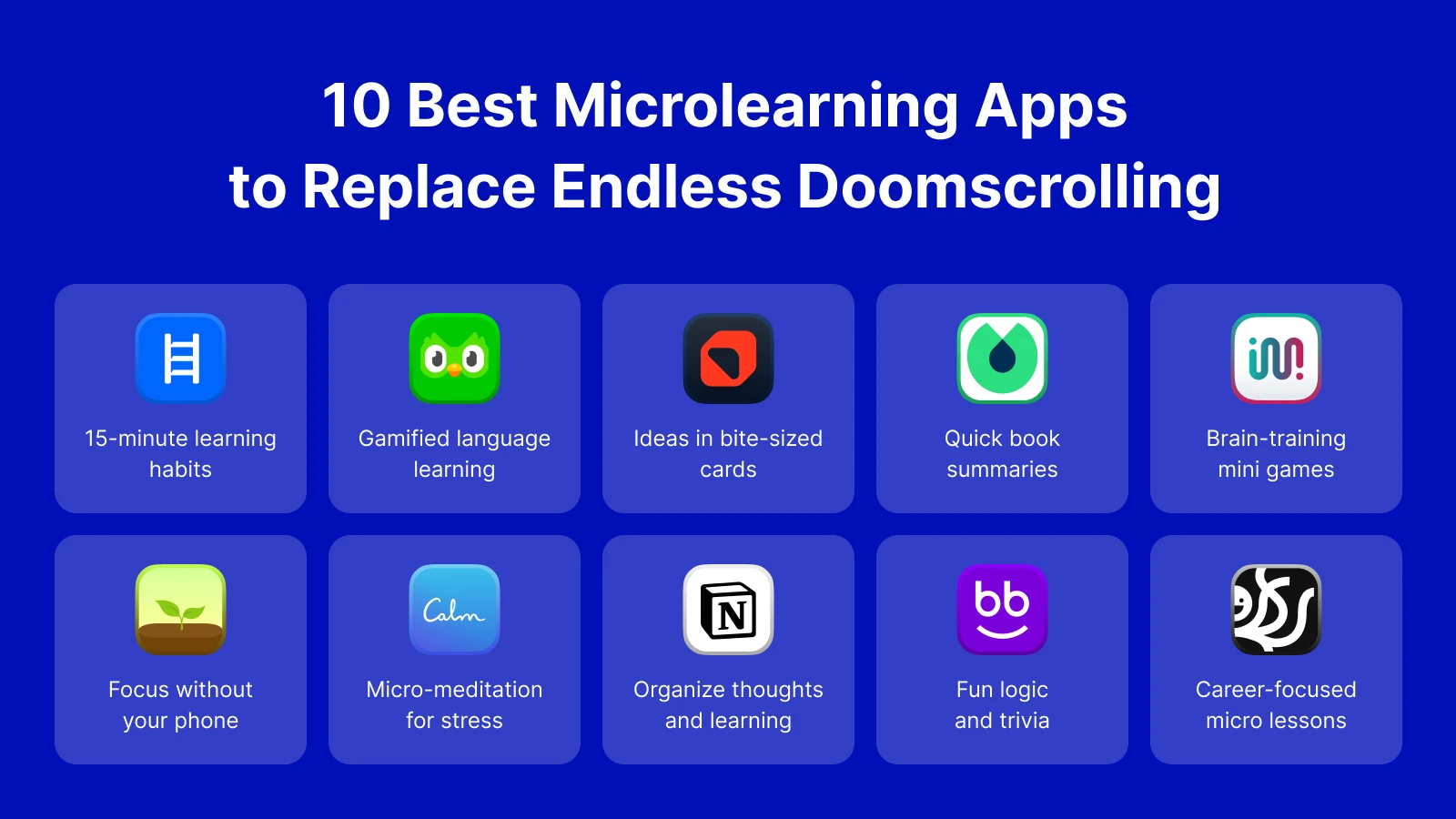
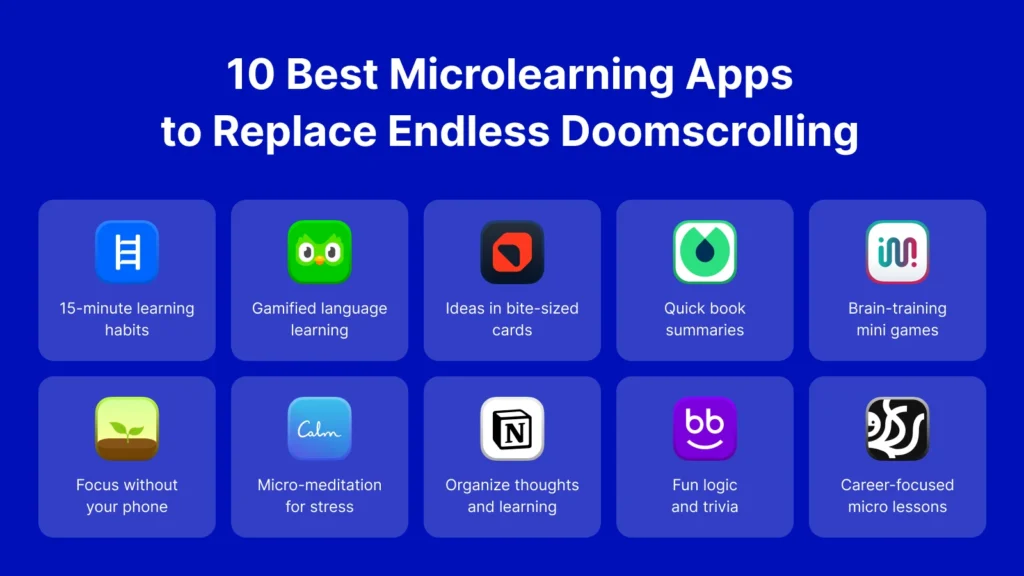
Instead of scrolling through a feed of outrage, Headway offers 15-minute summaries of world-class non-fiction books.
- The Strategy: Every time you feel the urge to scroll, open Headway instead. You get the same “novelty” hit but with actual knowledge growth.
Nibble (Bite-sized Knowledge)
Nibble provides short, interactive lessons on everything from art history to coding. It’s designed to be “edutainment”—short enough to fit into a 5-minute break but far more rewarding than a Twitter thread.
Comparative Table: Choosing Your Shield
| App | Category | Best For | Platform |
| One Sec | Friction | Breaking mindless habits | Android / iOS |
| Freedom | Hard Block | Cross-device total focus | All Platforms |
| Forest | Gamification | Visual learners / Students | Android / iOS |
| Opal | Analytics | Data-driven focus goals | iOS |
| Headway | Replacement | Habit transformation | Android / iOS |
Why Doomscrolling is Harder to Break Than You Think
To truly escape the scroll, you must understand the Negativity Bias. Evolutionary psychology suggests that our ancestors who paid the most attention to “bad news” (predators, storms) were the ones who survived. In 2026, the “bad news” is an infinite digital stream.
When you doomscroll, you are essentially “scanning for threats.” This keeps your nervous system in a state of high alert (cortisol), which ironically makes you more likely to keep scrolling to find “solutions” or “more information.” It is a self-perpetuating cycle that leads to:
- Increased anxiety and clinical depression.
- Poor sleep quality due to blue light and mental stimulation.
- Reduced attention span (the “Goldfish Effect”).
A Step-by-Step Strategy to Reclaim Your Day
Using an app is the first step, but a total escape requires a lifestyle shift. Here is the 2026 Digital Detox Framework:
- The “Morning Sanctuary”: Do not touch your phone for the first 30 minutes after waking up. Use this time for a Todoist check-in or simple meditation.
- Notification Audit: Go into your settings and turn off all non-human notifications. If a bot sent it, you don’t need to see it instantly.
- Physical Distance: When working or sleeping, keep your phone in another room. The “out of sight, out of mind” rule is the most powerful tool you have.
- The Greyscale Trick: Turn your phone’s display to greyscale. Without the bright red notification badges and colorful photos, your brain finds the screen significantly less stimulating.
Conclusion
Escape is possible. The “doom” in doomscrolling comes from the feeling of powerlessness, but by installing the right tools from apkmirror.shop, you are taking the power back. Whether you need the gentle breathing exercises of One Sec or the ironclad restrictions of Freedom, the goal is the same: to be the master of your tools, not the product of their algorithms.
Productivity isn’t about doing more work; it’s about having more life. Every minute you spend outside the infinite scroll is a minute you can spend on your health, your career, or your relationships.
To help you round out your article for apkmirror.shop, here are some essential FAQs and a list of “Top Replacement Products” that go beyond simple blocking. These sections are perfect for increasing your word count and providing comprehensive value to your readers.
Frequently Asked Questions (FAQ)
What is the “Dopamine Loop,” and why does it make scrolling addictive?
The dopamine loop is a biological feedback system. When you scroll and find a funny video or a shocking headline, your brain releases a small burst of dopamine—the “reward” chemical. Because you never know when the next good post will appear (variable rewards), your brain keeps you scrolling in anticipation. Productivity apps like One Sec break this loop by adding a delay, allowing your logical brain to override the craving.
Can I just use the built-in Screen Time or Digital Wellbeing settings?
Yes, but for many, these are too easy to bypass. Built-in tools often allow you to click “Ignore Limit for Today” with a single tap. Third-party apps like Freedom or Opal offer a “Locked Mode” that makes it nearly impossible to disable the block once it has started, which is essential for those with low digital willpower.
Is doomscrolling actually bad for my physical health?
Surprisingly, yes. Chronic doomscrolling is linked to “Tech Neck” (cervical spine strain), eye fatigue, and disrupted sleep cycles due to blue light exposure. More seriously, it keeps your body in a state of “fight or flight,” raising cortisol levels which can lead to long-term stress and anxiety.
What is the “Greyscale” trick?
This is a hidden setting in most smartphones (under Accessibility) that turns your screen black and white. Social media apps use bright, warm colors (like notification reds) to grab your attention. Removing the color makes the apps look dull and significantly reduces their “stickiness.”
Top Replacement Products: Feed Your Brain, Don’t Drain It
If you want to quit doomscrolling, you shouldn’t just leave a vacuum. You need to replace the “scrolling” action with something productive. Here are the top “Smart Scrolling” apps for 2026:
1. ScrollEd (The AI Learning Feed)
ScrollEd is a revolutionary app that takes your own PDFs, textbooks, or long-form articles and turns them into a social-media-style scrollable feed. Instead of reading memes, you are “scrolling” through bite-sized summaries and AI-generated quizzes from your own study materials.
2. Deepstash (Bite-Sized Wisdom)
If you love the feeling of discovering new things, Deepstash is the perfect replacement. It curates “stashes” of ideas from the world’s best books and articles. It provides the same swipe-based satisfaction as Instagram but fills your head with curated wisdom rather than “outrage bait.”
3. Duolingo (The Classic Gamifier)
Sometimes the best way to stop a bad habit is to start a competitive one. Duolingo uses the same “streak” and “achievement” mechanics as addictive games to help you learn a new language. Five minutes of Duolingo is a productive alternative to five minutes of Twitter.
4. Blinkist / Headway (The 15-Minute Book Fix)
Both apps offer 15-minute “Key Ideas” from thousands of nonfiction books. They are perfect for those “waiting moments”—at the doctor’s office or on the bus—where you would normally pull out your phone to doomscroll.
5. Pocket (The “Read Later” Vault)
Pocket allows you to save high-quality articles you find during the day to a distraction-free reader. Instead of scrolling an algorithmically curated feed, you spend your time reading a “Personal Feed” of long-form content that you actually care about.
Pro Tip for apkmirror.shop Users
When downloading these productivity tools, ensure you are always using the latest version. In 2026, many of these apps utilize AI-driven focus modes that adapt to your specific usage patterns. Keeping your apps updated ensures you have the most effective “shields” against the ever-evolving algorithms of social media.
To provide your readers at apkmirror.shop with a complete toolkit, we should look beyond simple “blockers.” In 2026, the best strategy is a layered defense: tools that block, tools that track, and tools that replace.
Here are the top related products and advanced categories to round out your article.
The “Second Brain” Category: Organizing Your Focus
If you stop doomscrolling, you suddenly have a surplus of mental energy. These apps help you funnel that energy into long-term projects and knowledge management.
- Notion (The All-in-One Workspace): In 2026, Notion’s AI features can now summarize your “to-read” lists and help you turn random thoughts into structured project boards. It’s the ultimate destination for “productive scrolling.”
- Obsidian (Personal Knowledge Graph): For users who want a “second brain,” Obsidian allows you to link ideas together in a visual map. It’s highly offline-capable, making it a favorite for those trying to reduce their time spent on “the cloud.”
- Todoist: The gold standard for task management. Its natural language processing (e.g., typing “Read for 20 mins every night at 9 PM”) makes habit-building feel seamless.
The “Strict Defense” Category: For Severe Digital Addiction
When “gentle nudges” don’t work, these products act as the digital equivalent of a safe.
- Lock Me Out (Android): This is one of the most powerful tools available on apkmirror.shop. It allows you to lock yourself out of your entire device or specific apps based on usage, location, or even specific Wi-Fi networks.
- StayFocused (Chrome & Android): A highly customizable “fortress” app. It includes a “Strict Mode” that prevents you from changing your settings or uninstalling the app while a block is active.
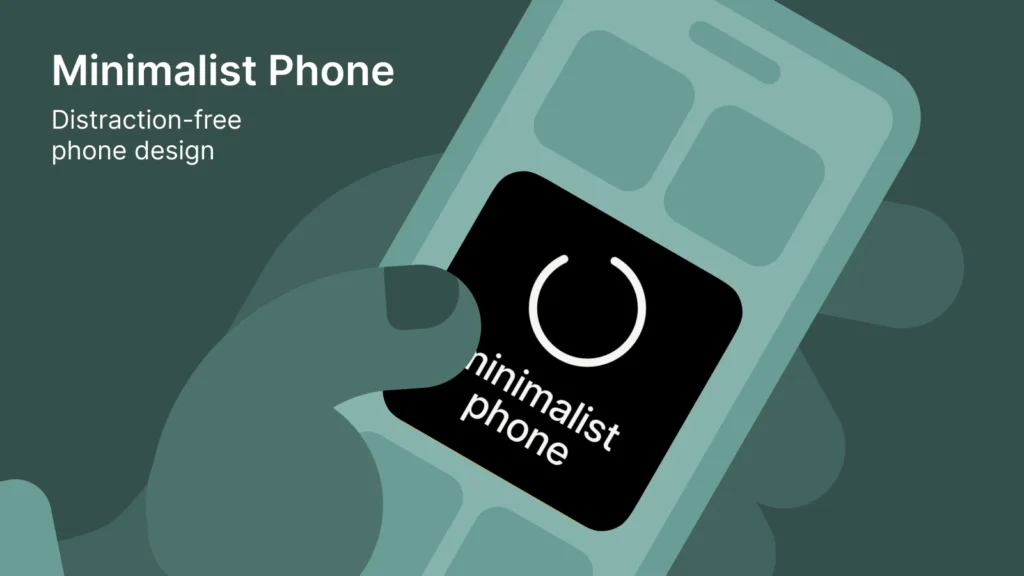
- Minimalist Phone (UI Wrapper): This isn’t just an app; it’s a total redesign of your Android interface. It replaces your colorful, icon-heavy home screen with a text-based, monochrome list, making your phone feel like a tool rather than a toy.
Digital Wellbeing for Families
Doomscrolling isn’t just an adult problem. In 2026, parental control apps have evolved to focus on “trust-based monitoring” rather than just spying.
- VigilKids: A top-rated 2026 tool for families. It focuses on real-time awareness of social media interactions (like WhatsApp and TikTok) and alerts parents to risky patterns without needing to read every private message.
- Aura Parental Controls: Known for its “Balance” feature, it helps teens manage their own screen time through psychologist-backed insights, reducing the friction between parents and children.
- Qustodio: Famous for its “Panic Button,” it provides excellent location tracking alongside robust app-blocking features.
Advanced FAQ: Master Your Digital Environment
What is “Active Engagement” vs. “Passive Consumption”?
Doomscrolling is passive consumption—your brain is in “receive mode,” which is low-energy and addictive. Active engagement (like using a language app or a writing tool) requires your brain to retrieve and process information. This “cognitive load” actually makes you feel tired in a healthy way, helping you put the phone down sooner.
Is there a “best” time to block apps?
Research suggests the “Circadian Lows” (usually mid-afternoon and right before bed) are when willpower is lowest. Use apps like Freedom to schedule automatic blocks during these specific windows to prevent the “3 PM Slump” from turning into a two-hour TikTok marathon.
Why should I download these from apkmirror.shop instead of just using defaults?
Default “Digital Wellbeing” tools are designed by the same companies (Google/Apple) that benefit from your engagement. Third-party developers on apkmirror.shop often create more aggressive, creative, and specialized tools that prioritize your focus over the platform’s ad revenue.

Comparison: Hard Blocking vs. Replacement
| Feature | Hard Blockers (e.g., Freedom) | Habit Replacers (e.g., Headway) |
| Primary Goal | Stop the “Bad” | Start the “Good” |
| Effort Required | Low (Set and forget) | Medium (Requires participation) |
| Long-term Success | High (Removes temptation) | Very High (Rewires the brain) |
| Best For | Deep Work / Exams | Daily Lifestyle Change |